
Lantern for macOSDownload and installation
Get connected on your Mac. Download the official client and follow the installation and first-connection guide.
Open the downloaded DMG file and follow the installation window.
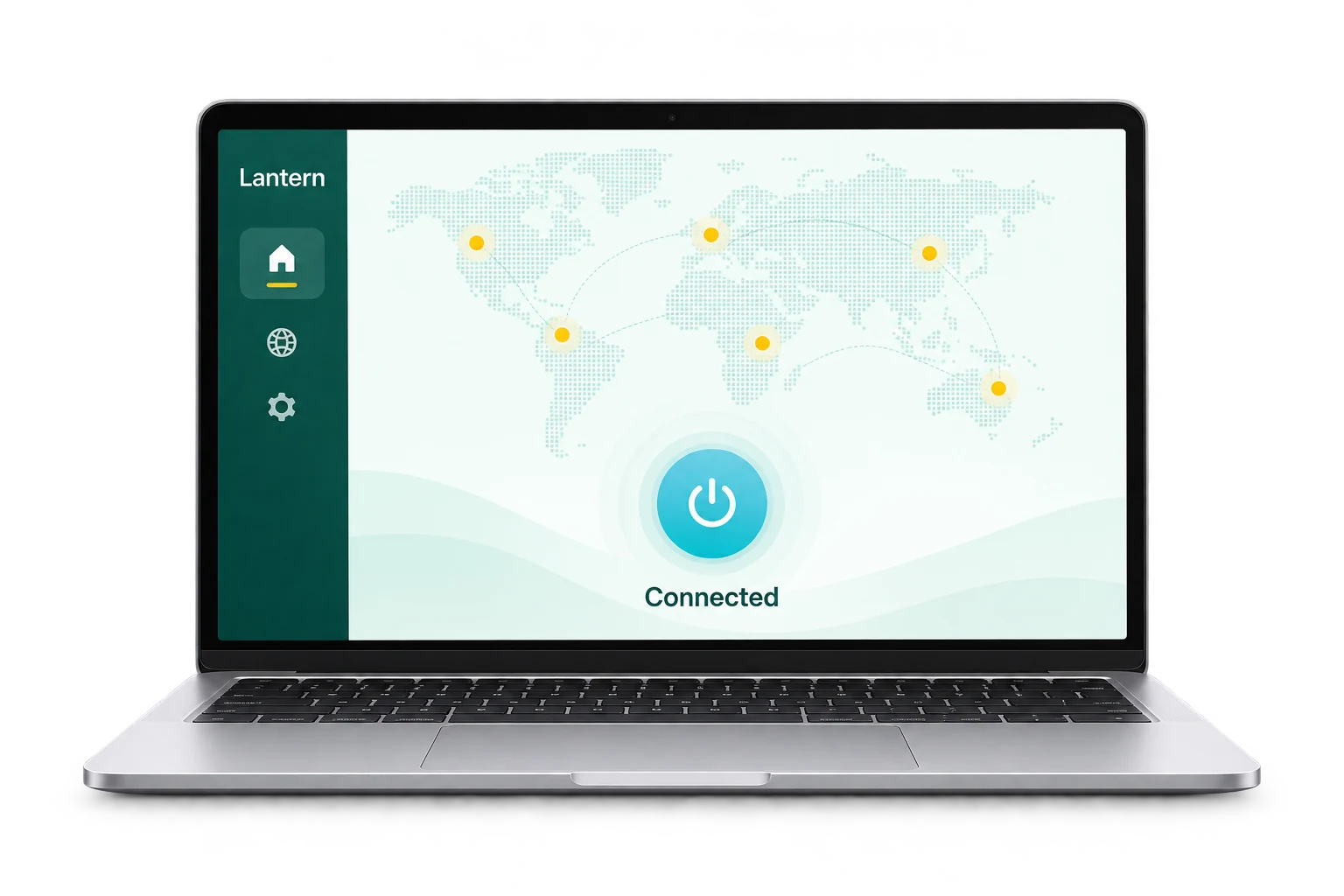
For all your devices
Switch devices. Stay connected.
Make your first connection
Get started in three steps.
From getting the app to installing and connecting.
- 01
Get the DMG package
Download the installer from an official channel on this page and wait for the download to finish.
- 02
Finish installation
Open the DMG file and follow the window’s instructions to install on your Mac. If you see an incompatibility notice, check your system version first.
- 03
Launch and connect
Open Lantern, read the prompts and connect. If you encounter problems, see Getting started or contact support.
Before you install
Check your device, then begin.
Open the downloaded DMG file and follow the installation window. If your system reports an incompatibility, check the official download instructions first.
View official download instructionsSystem and installation details
- Operating system
- macOS 10.15 or later
- Package format
- DMG package
- Download source
- Official Lantern channels
- Installation instructions
- Open the downloaded DMG file and follow the installation window.
Requirements and packages are sourced from Lantern’s official website. Check the official page for the latest information.
Download and installation FAQ
Your questions,
Find answers here.
Installing and using Lantern on macOS.
View help centerThe current official requirement is macOS 10.15 or later. Check About This Mac before downloading; refer to official guidance for processor and version compatibility.
Wait for the download to finish, open the DMG and follow the installation window. If the file appears damaged or incompatible, check its source and your OS version, then download the complete file again.
Open Getting started in the help center for your first-use guide. The configuration guide explains connection modes and common troubleshooting steps.
Check your basic network and whether the destination itself works. Record the client version, error and time. Check the service status or contact support for further help.
Your next step starts here
Ready for a bigger world.
After installation, open Lantern to connect. Need a hand? Follow our step-by-step guides.