
Lantern for LinuxDownload and installation
A straightforward download for your Linux desktop. Get the official client and follow the installation and first-connection guide.
A 64-bit DEB package is provided. Check that your distribution supports it.
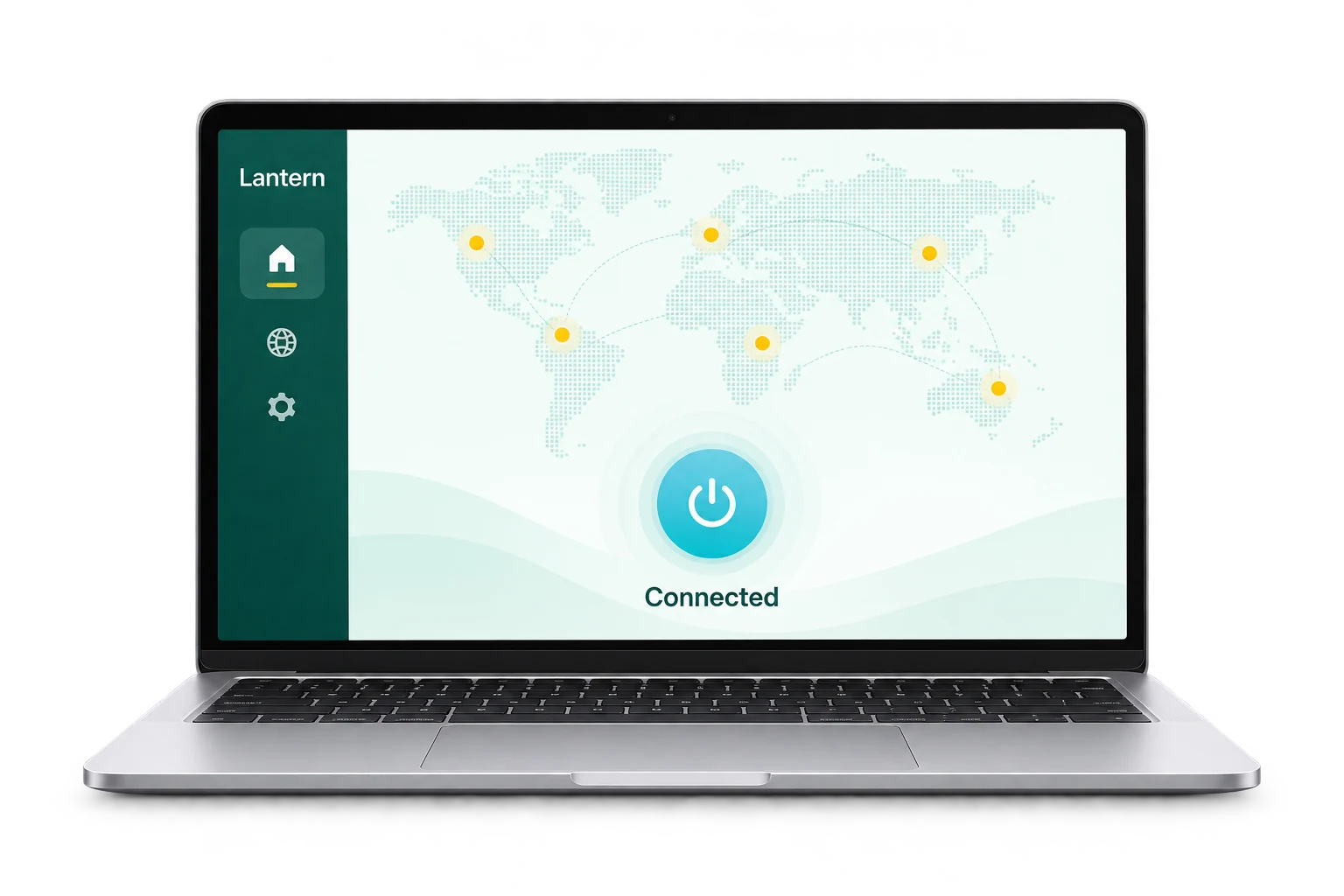
For all your devices
Switch devices. Stay connected.
Make your first connection
Get started in three steps.
From getting the app to installing and connecting.
- 01
Check distribution and architecture
This page provides a 64-bit DEB package. Check system architecture and package-manager compatibility first.
- 02
Install the DEB package
Once the download completes, install it with your distribution’s software installer or package manager. Consult the distribution documentation for dependency or permission issues.
- 03
Launch and check
Open Lantern from your applications menu and follow the connection prompts. If it will not start, record the error and contact support.
Before you install
Check your device, then begin.
A 64-bit DEB package is provided. Check your distribution’s support. If your system reports an incompatibility, read the official download instructions first.
View official download instructionsSystem and installation details
- Operating system
- 64-bit Linux · DEB package
- Package format
- DEB package
- Download source
- Official Lantern channels
- Installation instructions
- A 64-bit DEB package is provided. Check that your distribution supports it.
Requirements and packages are sourced from Lantern’s official website. Check the official page for the latest information.
Download and installation FAQ
Your questions,
Find answers here.
Installing and using Lantern on Linux.
View help centerThis page provides a 64-bit DEB package. Check CPU architecture and package-manager compatibility; for other distributions, consult official instructions.
Keep the full error from your package manager or client. Consult your distribution’s installation documentation before contacting support. Do not simply ignore dependency or permission errors.
Open Getting started in the help center for your first-use guide. The configuration guide explains connection modes and common troubleshooting steps.
Check your basic network and whether the destination itself works. Record the client version, error and time. Check the service status or contact support for further help.
Your next step starts here
Ready for a bigger world.
After installation, open Lantern to connect. Need a hand? Follow our step-by-step guides.